
Passwords Aren’t Enough: A Practical MFA and Passkey Guide for Small Businesses
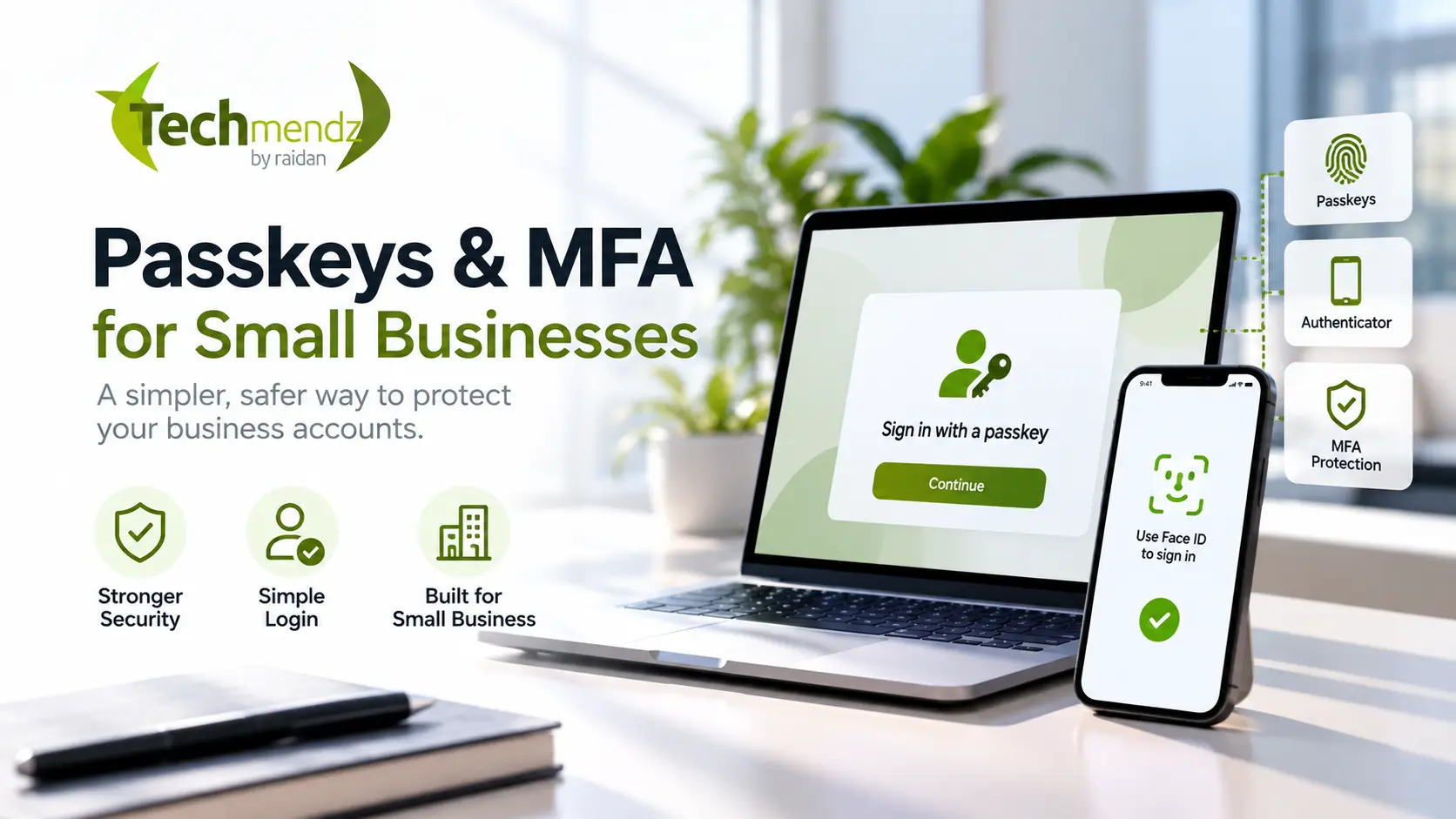
Passwords are still everywhere in small business, but they should no longer be doing all the work.
This month, the Australian Signals Directorate's Australian Cyber Security Centre has been pushing a simple message: switch on multi-factor authentication. Its September guidance says 42% of industry, government and critical-infrastructure incidents reported to ASD in 2024–25 involved compromised accounts or credentials.
That statistic is broader than small business alone, but the lesson is useful for any business with email, a website, cloud storage, social media, accounting software or an online store: if one password is stolen, what happens next?
For many businesses, the answer is still "too much".
The good news is that improving this does not require a huge security project. A few sensible changes to your most important accounts can remove a lot of unnecessary risk.
What is MFA, in normal language?
Multi-factor authentication (MFA) asks for more than one type of proof before letting somebody into an account.
A password is something you know. A phone, security key or trusted device is something you have. A fingerprint or face scan is something you are.
MFA combines factors so that stealing a password alone is not enough.
You may also see the term 2FA, or two-factor authentication. In everyday small-business use, people often use 2FA and MFA interchangeably, although MFA is the broader term.
Why SMS codes are better than a password — but not the end goal
If an important account currently has only a password, enabling SMS-based verification is generally an improvement.
But not all MFA methods offer the same protection.
SMS and one-time codes can still be exposed through phishing and other attacks. Authenticator apps are a stronger option in many situations, while phishing-resistant methods such as passkeys and hardware security keys are increasingly the better direction where a service supports them.
The ACSC's September 2026 guidance specifically recommends phishing-resistant MFA such as passkeys and suggests an authenticator app where passkeys are not supported.
So the practical order is not "passkeys or nothing". It is:
- stop relying on passwords alone;
- use the strongest MFA method the service reasonably supports; and
- move important accounts toward phishing-resistant sign-in as support improves.
What exactly is a passkey?
A passkey lets you sign in using a trusted device and its normal unlock method, such as Face ID, Touch ID, Windows Hello or a device PIN.
Behind the scenes, passkeys use public-key cryptography. The service stores a public key, while the private credential stays protected by your device or credential provider.
The important part for a business owner is simpler: there is no reusable password for an attacker to trick you into typing into a fake login page.
That makes passkeys resistant to the kind of credential phishing that works by copying a login screen and stealing what you enter.
Passkeys also tend to be easier to use once they are set up. Instead of remembering another complicated password and copying a six-digit code, you approve the sign-in on a trusted device.
Which business accounts should I secure first?
Do not start by trying to change every account your business has ever created. Start with the accounts that can unlock everything else.
1. Business email
Email is usually first.
Why? Because password-reset links for your other services often arrive there. If somebody controls your email account, they may be able to reset passwords, impersonate the business, access customer conversations or target staff and suppliers.
Secure the main business mailbox and every administrator mailbox with strong MFA or passkeys where available.
2. Domain registrar and DNS
Your domain is part of your business identity.
Access to the registrar or DNS provider can potentially be used to redirect a website, interfere with email delivery or change important DNS records.
The account controlling your domain deserves the same level of protection as your email.
3. Website, WordPress and hosting accounts
For a WordPress website, protect administrator accounts and the hosting/control-panel account.
WordPress itself does not provide a universal MFA experience for every setup, so the exact implementation depends on your hosting platform, identity provider and security tooling. The goal is the same: avoid leaving a high-privilege website account protected by only a reusable password.
Also review who actually needs administrator access. A person who only edits pages does not necessarily need the ability to install plugins, create administrators or change site-wide settings.
4. Cloud infrastructure and source code
If your business or developer uses GitHub, AWS, Cloudflare, DigitalOcean or similar platforms, those accounts can have significant control over your website and infrastructure.
They should have MFA enabled, old access removed and recovery methods stored safely.
This matters beyond theory. ASD's ACSC has separately warned about ongoing targeting of online code repositories, including attacks involving compromised credentials and authentication tokens.
5. Accounting, payments and e-commerce
Protect accounting software, payment providers, WooCommerce administration and any account that can change bank details, issue refunds or access customer information.
For an online store, also review API keys and integrations. MFA protects human logins, but an old API credential can still be a problem if it has more access than it needs.
What about shared accounts?
Shared passwords are common in small businesses because they feel convenient.
They also make security and offboarding harder.
Where a service supports individual users, give each person their own account and the minimum access required for their job. When somebody leaves, disable their access instead of changing a password that five other people know.
For credentials that genuinely must be shared, a reputable business password manager is a better approach than a spreadsheet, browser note or message thread.
The same principle applies to website administration: named accounts are easier to audit than everybody logging in as admin.
MFA does not fix weak recovery processes
This is the part that is easy to overlook.
A secure login can still be undermined by an insecure recovery method.
When setting up MFA or passkeys, check:
- which email address can recover the account;
- whether an old phone number is still attached;
- where recovery codes are stored;
- whether there is a second trusted administrator if the primary person is unavailable; and
- how access will be transferred when a staff member or contractor leaves.
Do not keep the only recovery codes inside the same account they are meant to recover.
For a small business, continuity matters too. Security that only one person understands becomes an operational problem when that person is away.
Can MFA still be phished?
Some forms can.
A convincing phishing page can collect a password and then immediately ask for a one-time code. If the victim enters both, an attacker may be able to use them while the code is still valid.
Attackers can also use repeated push notifications in the hope that somebody eventually approves one.
That is why the industry is moving toward phishing-resistant authentication.
Passkeys are bound to the legitimate website or app, which makes them substantially harder to use on a fake sign-in page. Hardware security keys can provide similar phishing-resistant protection for supported services.
This does not make every other MFA method useless. It means you should understand that MFA is a category, not one identical technology.
A practical rollout for a Brisbane small business
If I were cleaning up authentication for a small business this week, I would not begin with a 40-page security policy.
I would begin with an account list.
Write down the systems that matter: email, domain registrar, website, hosting, DNS, social media, accounting, payment gateway, cloud storage, source control and any industry-specific platform that contains customer or business data.
Then work through them in this order:
- Protect email first. Enable a passkey or strong MFA for every important mailbox.
- Protect the domain and website infrastructure. Registrar, DNS, hosting and WordPress administrators come next.
- Protect money and customer data. Accounting, payment platforms and e-commerce administration.
- Remove old access. Former staff, contractors, unused admin accounts and stale API credentials.
- Record recovery procedures. Know who can recover each critical service and where recovery codes are stored.
- Prefer passkeys where practical. If a service does not support them, use an authenticator app or the strongest suitable option it provides.
- Review it periodically. New tools get added to businesses surprisingly quickly.
That is already a meaningful improvement over "we use strong passwords".
Does my website need MFA if it sits behind Cloudflare?
Yes, these solve different problems.
A CDN, web application firewall or services such as Cloudflare can help protect traffic reaching a website. They do not automatically protect the credentials used to log into WordPress, your hosting provider, DNS account or email.
Think of it as layers. Protect the public website, but also protect the people and accounts that can change it.
Is a password manager still useful if we use passkeys?
Yes.
Passkeys reduce reliance on passwords for services that support them, but businesses still have plenty of credentials, recovery codes and services that have not moved to passkeys.
A password manager remains useful for generating unique passwords, securely sharing approved credentials and reducing password reuse.
The direction is less dependence on passwords, not pretending every password disappears overnight.
The small-business takeaway
Cyber security advice can become complicated very quickly. MFA is one of the areas where the first step is genuinely straightforward.
If an important business account is protected by only a password, improve it.
If it supports a passkey, consider using one. If it does not, enable an authenticator-based MFA option where practical. Make sure recovery is documented, and remove access that nobody needs anymore.
For businesses running WordPress, WooCommerce or custom websites, this should be part of normal website maintenance alongside updates, backups, monitoring and sensible administrator permissions.
At Techmendz, we help businesses build and maintain websites without treating security as a separate checkbox that gets looked at once and forgotten. That includes reviewing the accounts and infrastructure around the website, not just the pages customers can see.
If you are not sure who currently has access to your website, hosting or domain, that is a useful place to start.
Sources
- Australian Signals Directorate's Australian Cyber Security Centre — Multi-factor Authentication: Switch it on, September 2026
- Australian Signals Directorate's Australian Cyber Security Centre — Ongoing targeting of online code repositories, updated April 2026