
WordPress 7.1.1 Is a Security Update: What Small Businesses Should Do Now
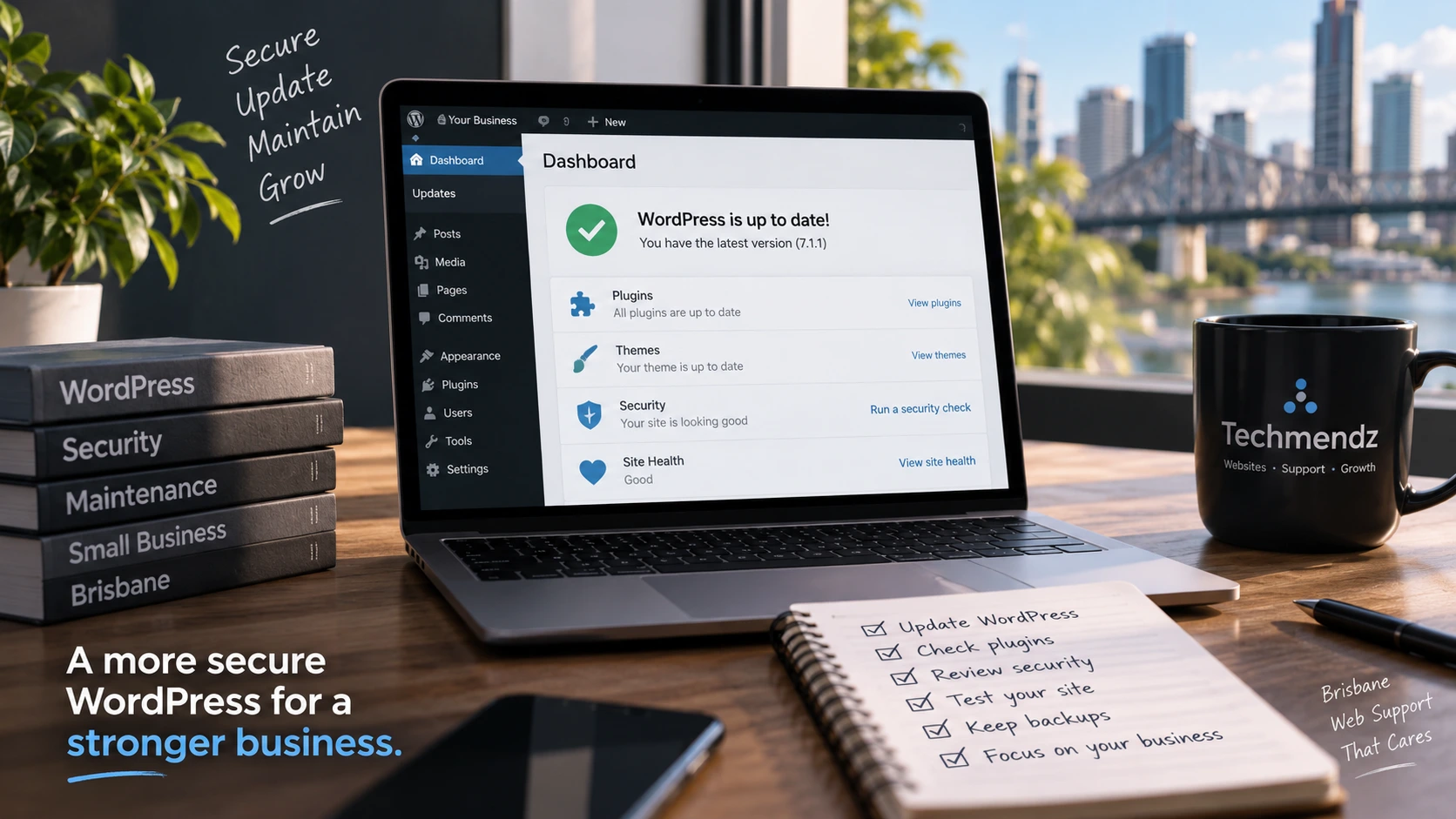
If your business website runs on WordPress, this is a good week to check when it was last updated.
WordPress 7.1.1 was released on 17 September 2026 as a maintenance and security release. It contains 17 Core bug fixes, 21 Block Editor fixes and, more importantly for business owners, 11 security fixes. WordPress recommends updating sites immediately.
A day later, WooCommerce 11.1.1 was released with security improvements covering API permissions, authentication and session handling.
That does not mean every WordPress or WooCommerce website is suddenly unsafe. It does mean that leaving a business website untouched because “it is working fine” is not a great maintenance strategy.
For Australian small businesses, there is some useful wider context too. Earlier this year, the Australian Signals Directorate's Australian Cyber Security Centre warned that a large-scale exploitation campaign was targeting content management systems and plugins, with Australian small and medium businesses among those affected.
So rather than turning this into another scary security article, here is what I would actually check.
Update (15 October 2026): This article covers the September 7.1.1 release, not the latest WordPress security status. Check the official WordPress release announcements and your dashboard for subsequent updates before deciding which version to install.
First: check which WordPress version you are running
Log in to WordPress and go to Dashboard → Updates.
If your site is on the current WordPress release line and 7.1.1 is available, plan the update rather than ignoring the notification indefinitely.
Automatic background updates may already have installed the security release on some sites. Do not assume they have. Check the version and confirm the site still behaves normally.
If you maintain several business websites, keep a simple inventory of the WordPress version, PHP version, active plugins and theme. It makes it much easier to see what needs attention when a security release arrives.
Do I just click Update Now?
Sometimes, yes. But for a business website I prefer a slightly more controlled process.
Before updating:
- Make sure you have a recent backup of the files and database.
- Confirm that the backup can actually be restored.
- Check whether the site has custom code, an old theme or plugins that may have compatibility issues.
- If the website handles orders, bookings or enquiries, choose a sensible update window.
- Use a staging environment first when the site is complex or business-critical.
Then update WordPress and test the parts of the site that actually make the business money.
A green “update completed” message is useful, but it is not the same as testing the website.
What should I test after a WordPress security update?
For a normal small-business website, I would check the homepage, important service pages, navigation, mobile layout and contact forms.
For an e-commerce website, the checklist needs to go further.
Test:
- product and category pages;
- add-to-cart behaviour;
- cart and checkout;
- payment gateway loading;
- order confirmation emails;
- customer login and account pages;
- shipping and tax calculations where applicable; and
- any custom WooCommerce functionality.
If your website uses Stripe, PayPal, Afterpay or another payment gateway, an update is not finished until you know the checkout still works.
You do not necessarily need to place a real full-value order every time. Depending on the gateway and setup, a test environment, sandbox mode or a small controlled transaction may be appropriate.
WooCommerce stores should check the latest patched version
Update (15 October 2026): WooCommerce 11.1.2 followed on 22 September with additional security fixes, and the 11.2 release line arrived in October. Do not treat 11.1.1 as the current recommended target: review the latest stable release, extension compatibility and official security advisories before updating.
WooCommerce 11.1.1 was released on 18 September 2026 and is marked as a security update by the WooCommerce team.
The release strengthens REST API authentication, API permission checks, mobile-app login handling and guest-session validation. It does not require a database update.
That is particularly relevant to online stores because WooCommerce is not just a collection of product pages. It handles customer sessions, accounts, integrations, orders and APIs that may connect the store to other systems.
Earlier in 2026, WooCommerce also patched separate vulnerabilities affecting WooCommerce itself and its Stripe extension. In those advisories, the WooCommerce team repeatedly recommended keeping stores on current patched releases rather than assuming automatic updates had covered everything.
The practical takeaway is simple: WordPress Core is only one part of your security posture.
Plugins are often where maintenance gets messy
A WordPress website might have 10, 20 or considerably more plugins depending on how it was built.
Every plugin adds functionality, but it also adds another dependency that needs to be maintained.
That does not mean “plugins are bad”. It means plugins should have a reason to be there.
I regularly prefer removing an unnecessary plugin over keeping it installed and disabled forever. Fewer moving parts generally means fewer updates, fewer compatibility problems and a smaller amount of code to monitor.
For each plugin, ask:
- Do we still use it?
- Is it actively maintained?
- When was it last updated?
- Is there a supported alternative if it has been abandoned?
- Does it duplicate functionality already provided elsewhere?
The same applies to themes. An old theme that has not been maintained for years does not become safe simply because the website still looks correct.
Australian businesses are being targeted through websites
This is the part worth paying attention to without becoming alarmist.
In July 2026, the Australian Signals Directorate's Australian Cyber Security Centre (ASD's ACSC) published an alert about a large-scale campaign exploiting vulnerabilities in content management systems and plugins. The alert said many Australian small and medium businesses had been impacted.
Attackers were scanning websites for vulnerable software and using issues such as unauthenticated file uploads and remote-code-execution vulnerabilities to deploy webshells.
A compromised website can become more than a broken homepage. Depending on the compromise, an attacker may use the server to redirect visitors, host malicious content, steal information or provide infrastructure for other attacks.
In June, the ACSC also reported activity involving compromised WordPress websites being used as part of a ClickFix malware campaign targeting Australian infrastructure and organisations.
That is why website maintenance should be treated as normal business maintenance rather than something done only when the site stops loading.
Updates are important, but they are not the whole security plan
Keeping WordPress updated is one layer.
I would also expect a maintained business website to have:
- reliable off-site backups;
- strong unique administrator passwords;
- multi-factor authentication where practical;
- sensible administrator access rather than giving every user full privileges;
- current PHP and server software;
- HTTPS configured correctly;
- monitoring for unexpected downtime or changes;
- spam and brute-force protections appropriate to the site; and
- a recovery plan if something does go wrong.
For WooCommerce, I would also review administrator accounts, API keys and payment integrations periodically. Remove credentials and accounts that are no longer required.
Security is much easier when you know what is connected to the website.
What about automatic updates?
Automatic updates are useful, particularly for security releases, but I would not use them as an excuse to stop monitoring a website.
The trade-off is straightforward.
If you never update, known vulnerabilities and compatibility problems accumulate. If you blindly update everything without backups or testing, an incompatible plugin can break an important feature.
A good maintenance process sits between those two extremes: update promptly, have a rollback path, and test the important workflows afterwards.
For a simple brochure website, that process can be lightweight. For a WooCommerce store taking orders every day, it should be more structured.
How often should a small business maintain WordPress?
There is no single schedule that fits every site because security releases do not wait for your monthly maintenance date.
My preference is to monitor updates continuously and deal with security fixes promptly, while doing broader maintenance checks on a regular schedule.
That broader review can include plugin updates, backups, uptime, form testing, performance, broken links, PHP compatibility and checking whether old functionality can be removed.
The important thing is that someone is responsible for it.
A website that nobody owns operationally tends to become the website everyone assumes somebody else is maintaining.
A quick checklist for this week
If you run a WordPress website for an Australian business, I would do these checks now:
- Confirm the current WordPress version and review the 7.1.1 security update.
- Take or verify a current backup before making changes.
- Review plugin and theme updates rather than updating Core in isolation.
- If you use WooCommerce, check the latest supported patched release rather than stopping at 11.1.1 and test checkout after updating.
- Remove unused administrator accounts and plugins you no longer need.
- Confirm forms, email delivery and important customer journeys still work.
- Check that someone is actively responsible for ongoing website maintenance.
None of these steps is particularly exciting. That is probably a good thing.
Good website maintenance should be routine enough that a security release is an update to manage, not an emergency.
At Techmendz, we maintain WordPress and WooCommerce websites for businesses that would rather have someone keeping an eye on updates, backups, performance and the technical side of the site instead of finding out there is a problem from a customer.
If your WordPress website has been running in the background for a while without a proper maintenance check, this week's security releases are a useful reminder to give it one.
Sources
- WordPress.org — WordPress 7.1.1 Maintenance and Security Release, 17 September 2026
- WooCommerce Developer Blog — WooCommerce 11.1.1 Release Notes, 18 September 2026
- Australian Signals Directorate's Australian Cyber Security Centre — Large-scale exploitation campaign targeting website content management systems (CMS), 9 July 2026
- Australian Signals Directorate's Australian Cyber Security Centre — ClickFix distributing Vidar Stealer via WordPress targeting Australian infrastructure, 17 June 2026
- WooCommerce Developer Blog — Security update for Stripe for WooCommerce, 6 August 2026